Draw it, then make it move
Everything that moves on this page moves because of a timeline, the kind you know from Flash. Each picture below is one section of this document, and each plays right here.

A timeline is a row of frames
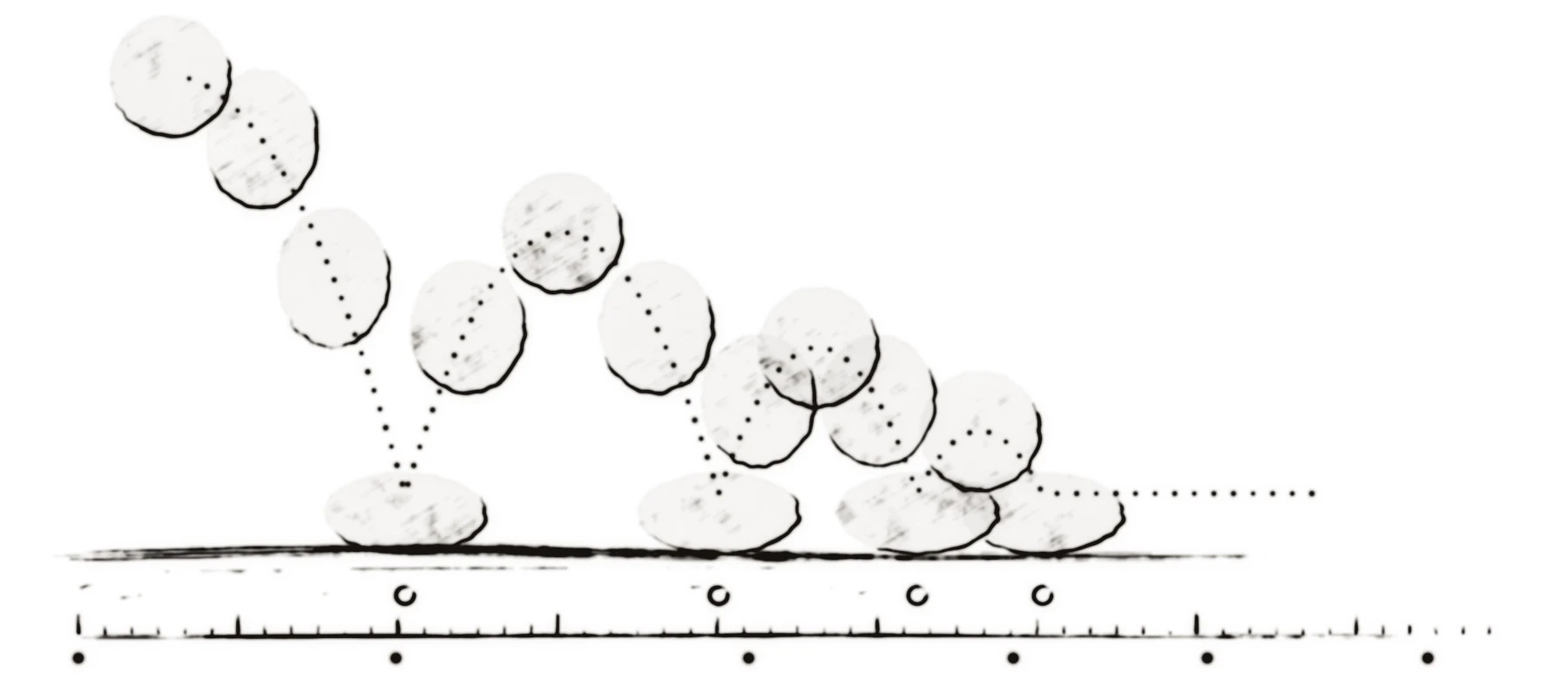
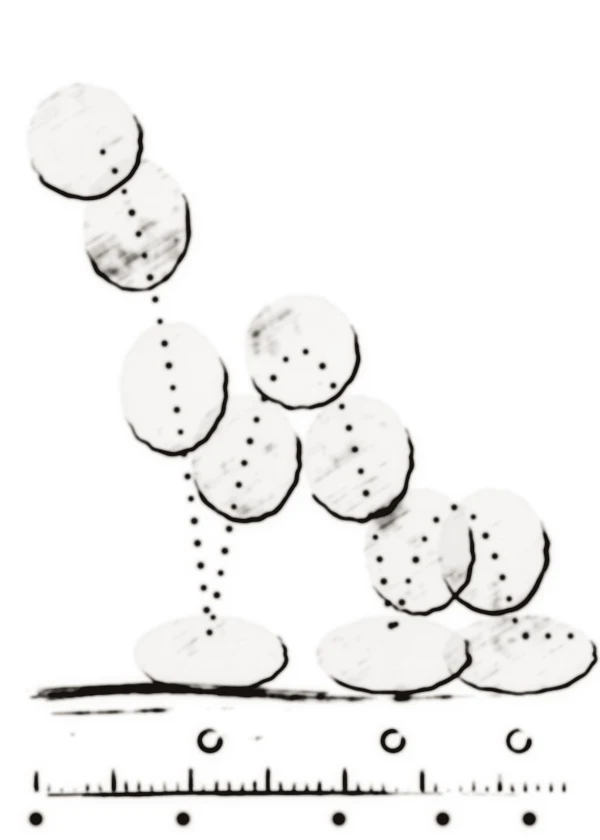
This ball is four painted poses, played frame by frame: stretched as it falls, squashed as it lands, round at the top. The ring on the ground at each landing is a key, and the dots between them are the frames in between. The ember runs along the ruler as the frames play.
A shape can turn into another shape
A shape tween morphs one drawing into another. A shape hint pins a point on the first shape to a point on the last, so the tip of the drop becomes the tip of the flame instead of wandering.

Motion can follow a path you draw
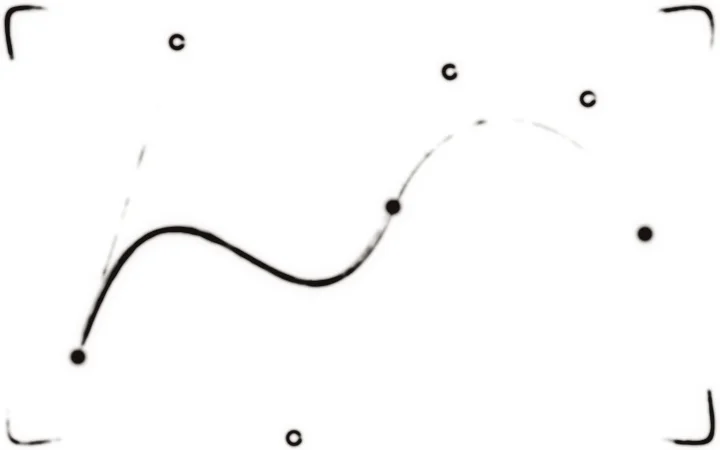
A motion tween can ride a curve. The ember here follows a path drawn with the pen tool, eases into the bends and turns to face the way it travels.
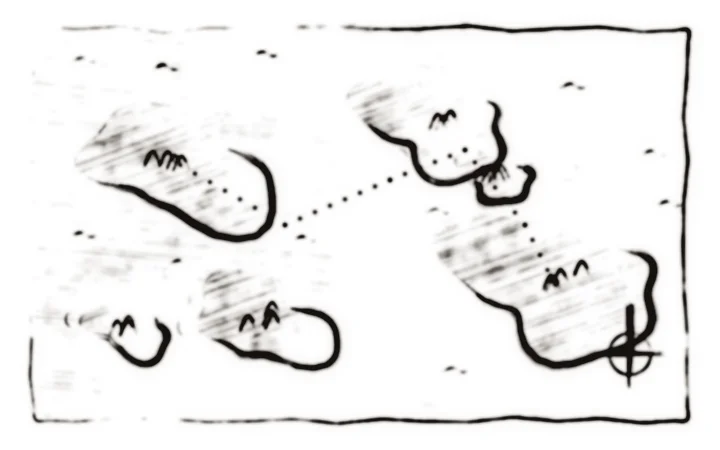
A mask decides what shows
A mask layer decides which part of the layer it covers is shown. Move the mask and the reveal moves with it, here a lantern sweeping across a map that is buried in ink everywhere else.
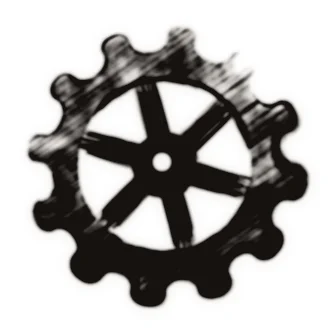
One symbol can be used again and again
These five cogs are one symbol. Each instance has its own place, direction and point in the loop, and a change to the symbol changes every cog at once.
Filters and blend modes change how things combine
A glow filter softens the orange light and pulses as its strength is animated. The add blend mode makes the pale light brighten where the two overlap. Both are properties you can animate.