
Make it respond without writing code
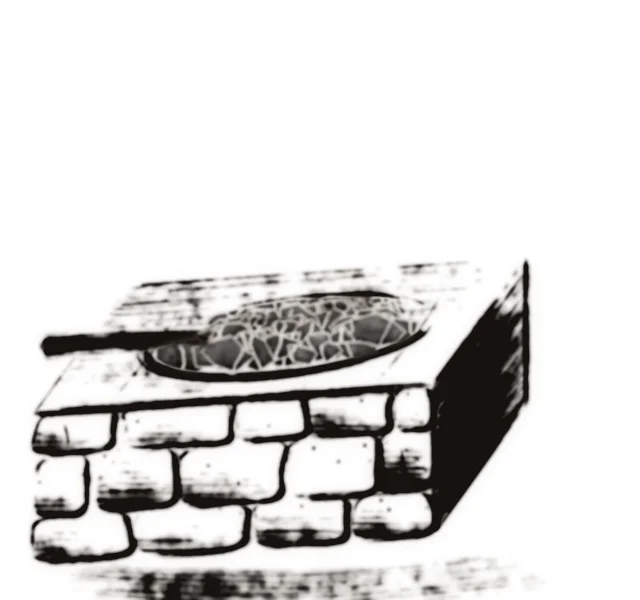
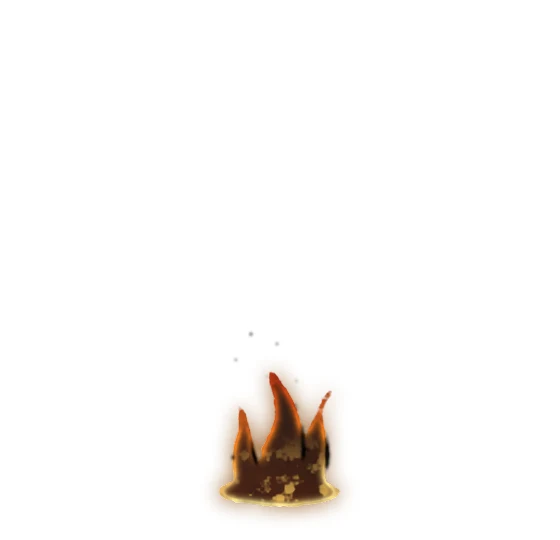
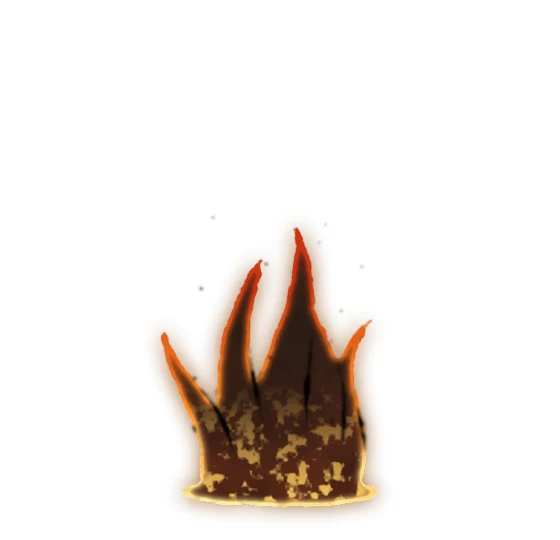
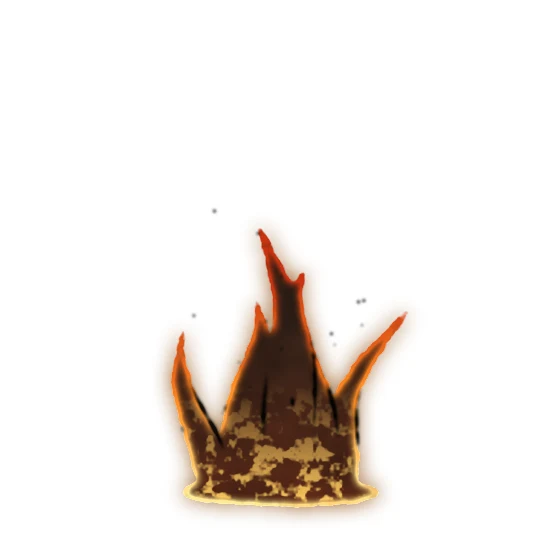
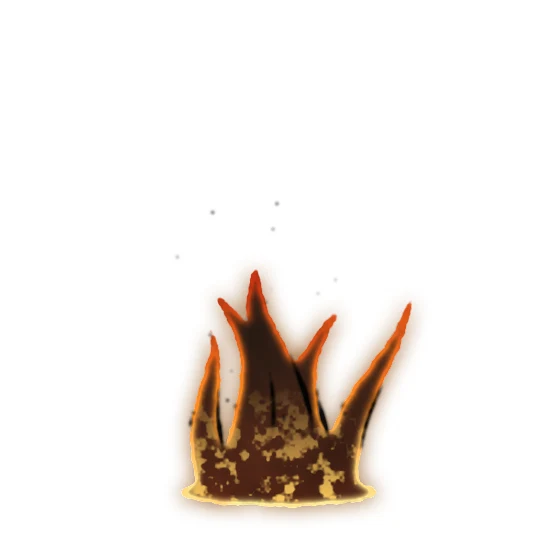
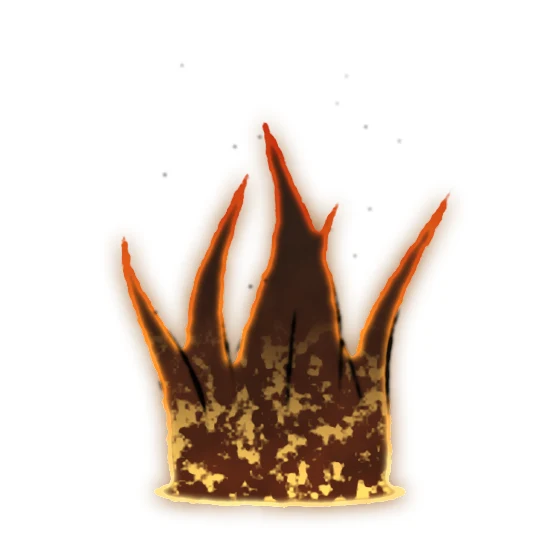
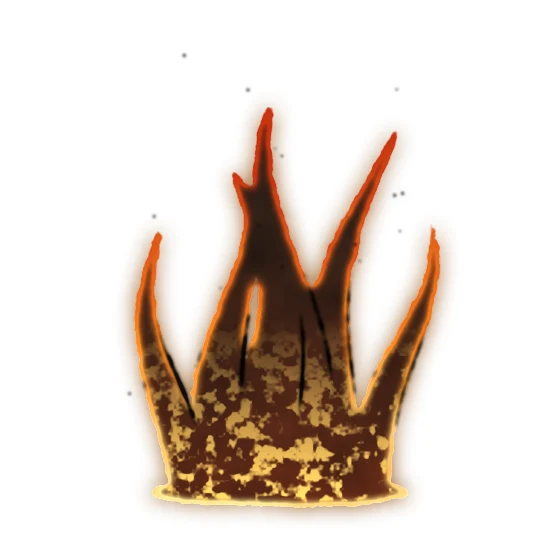
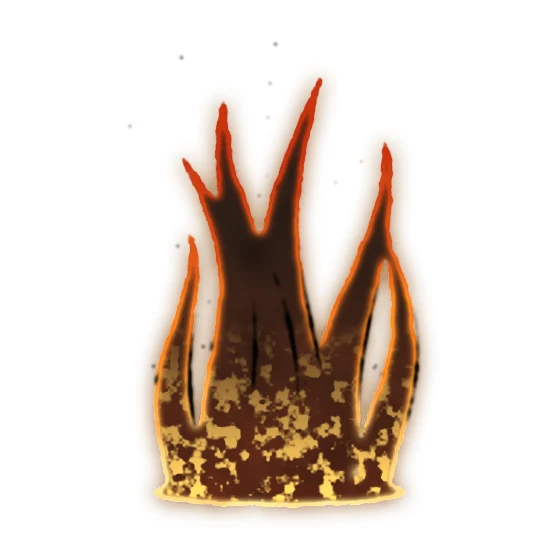
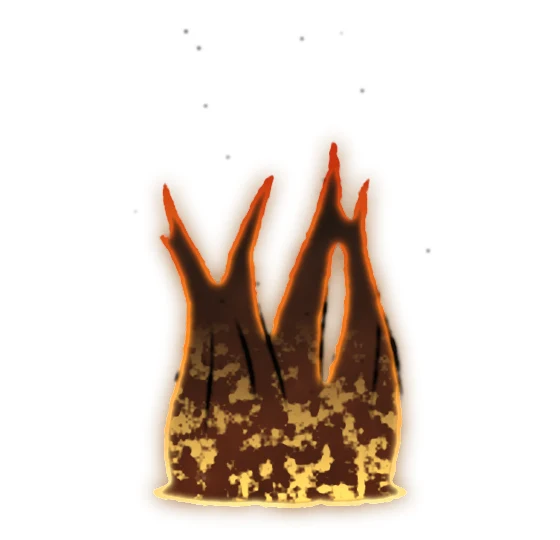





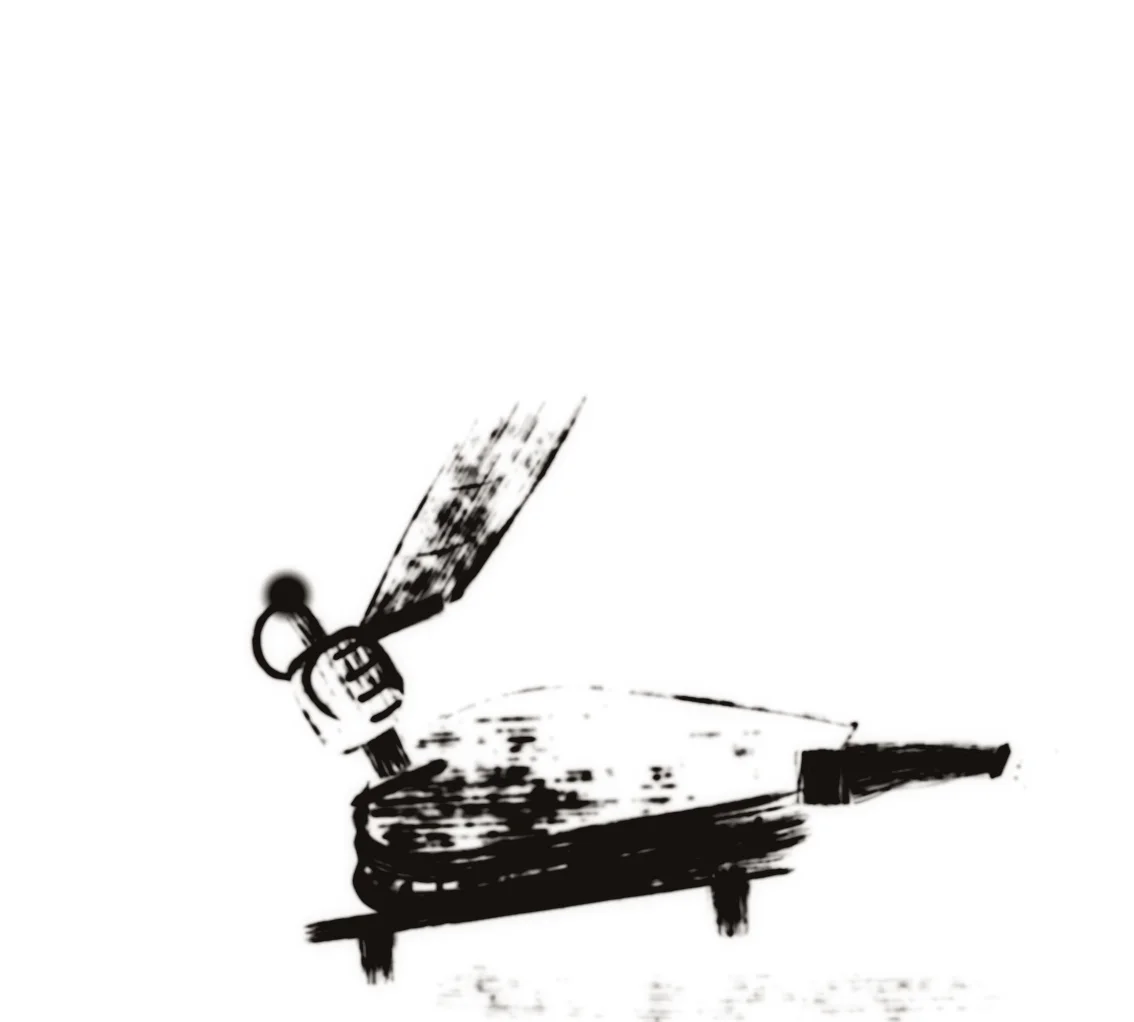
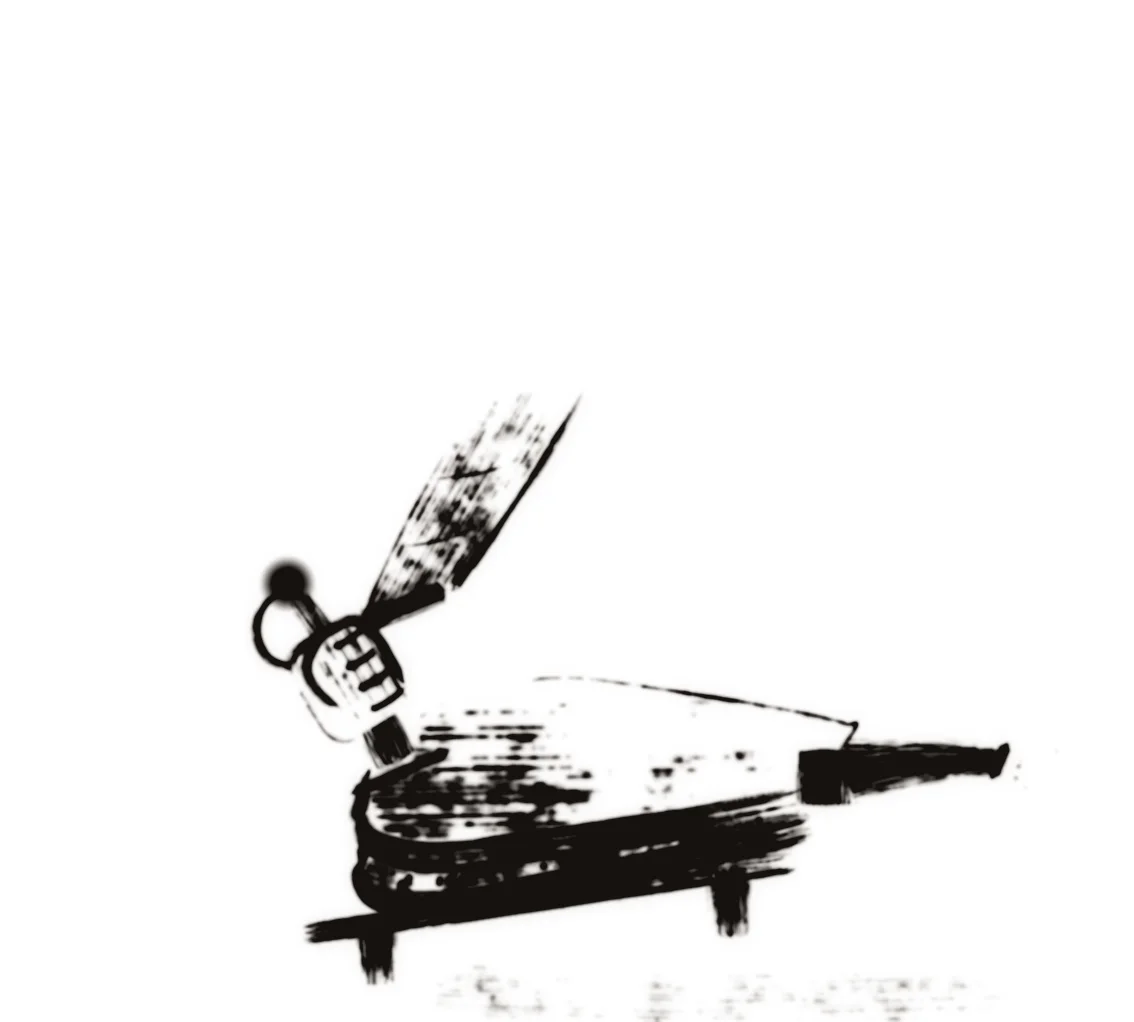
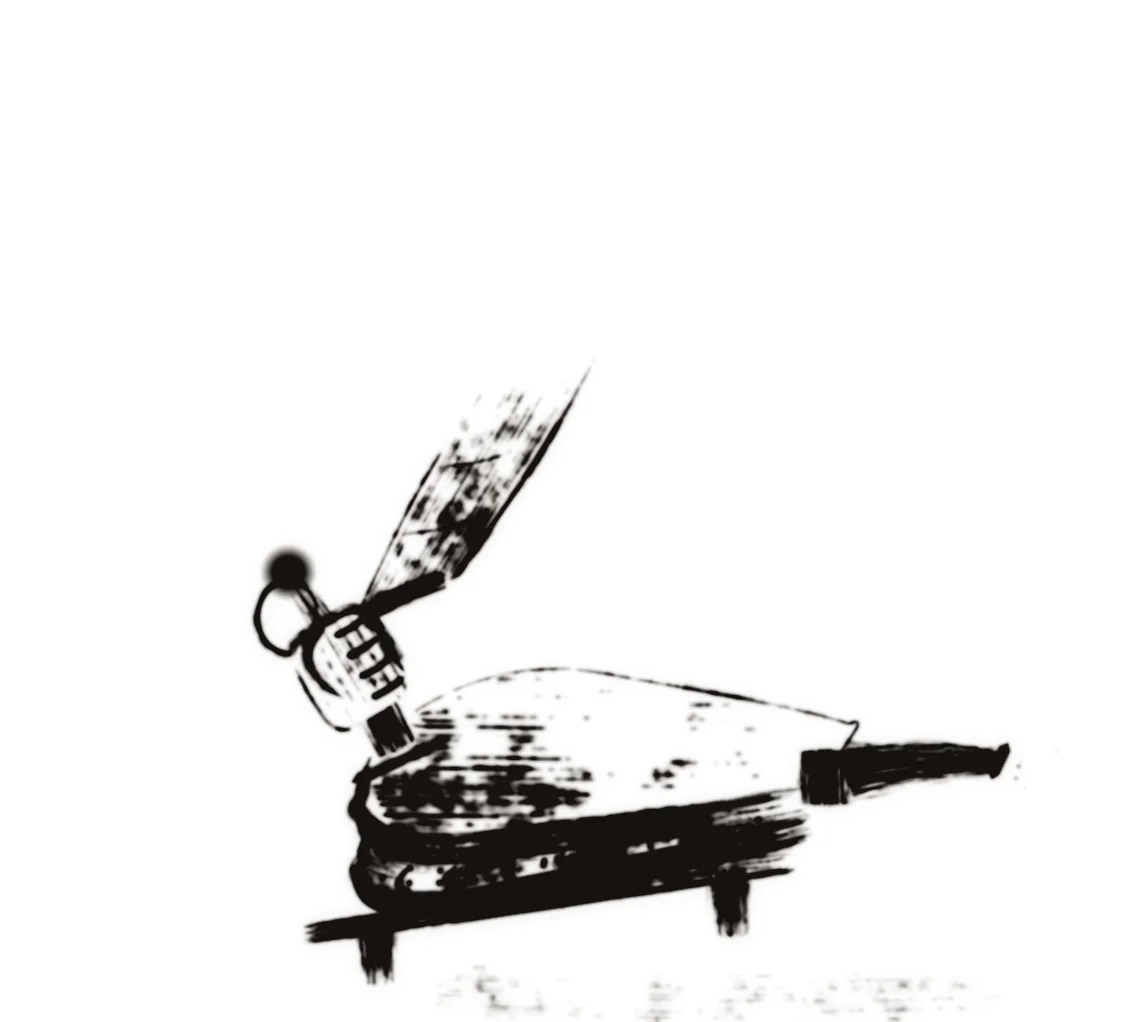
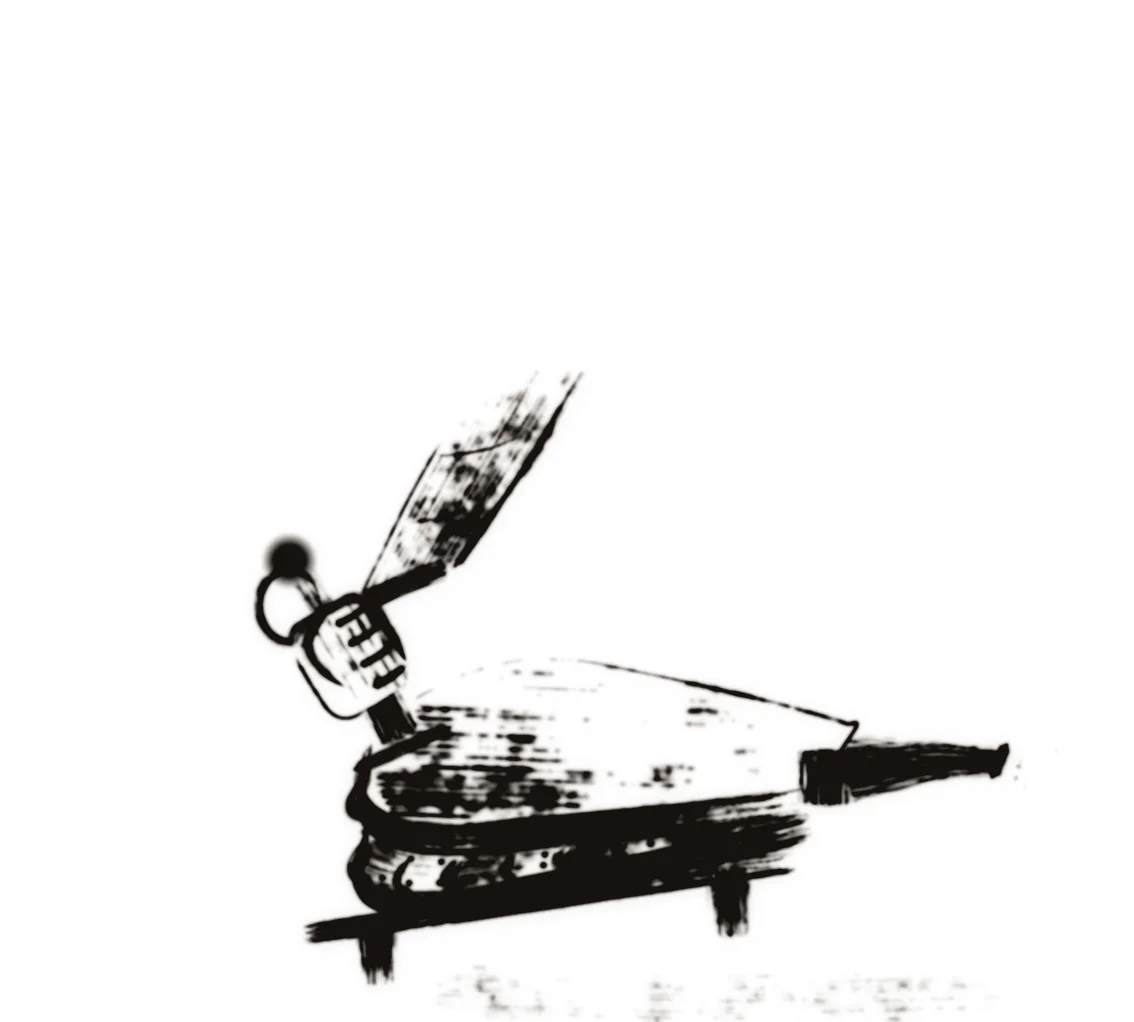
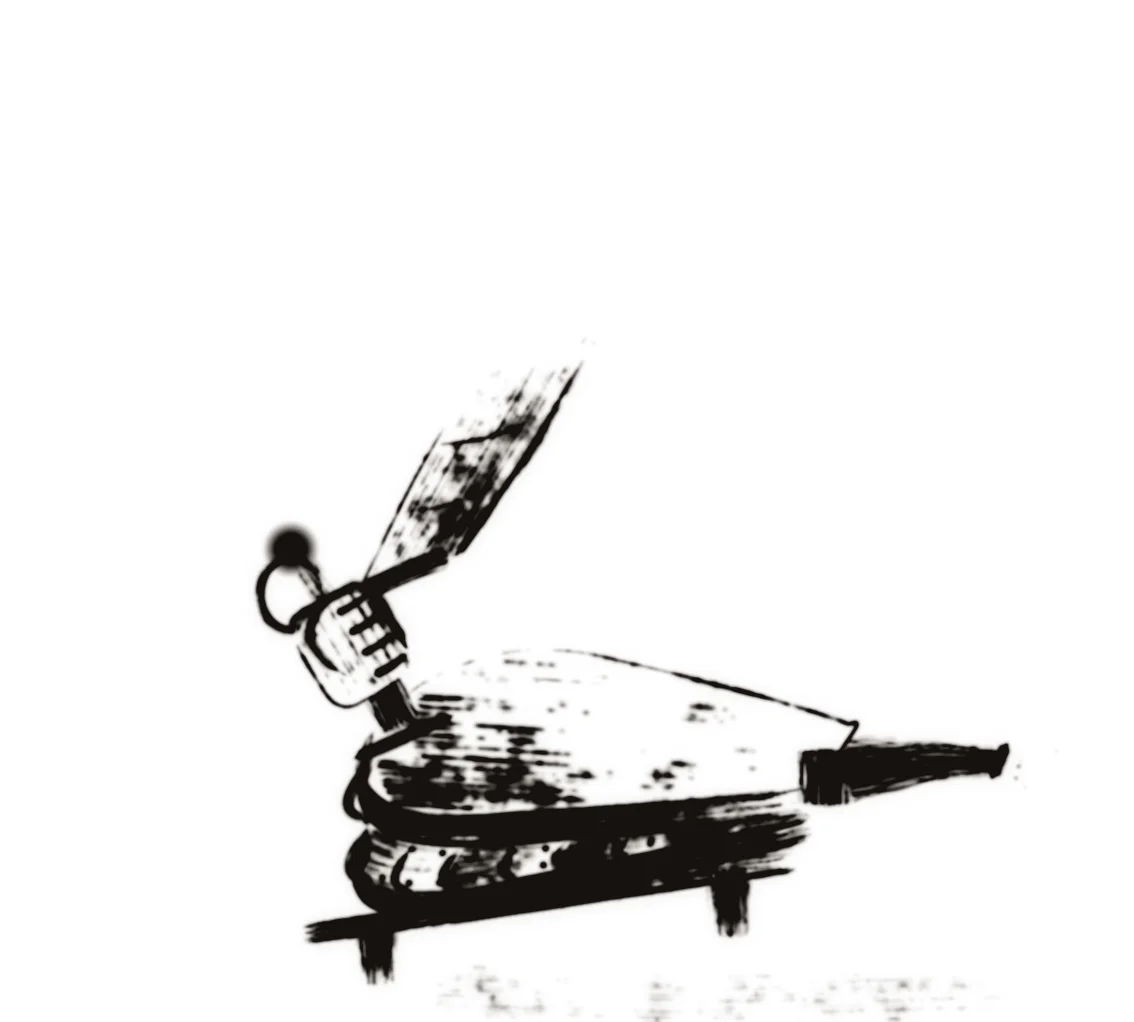
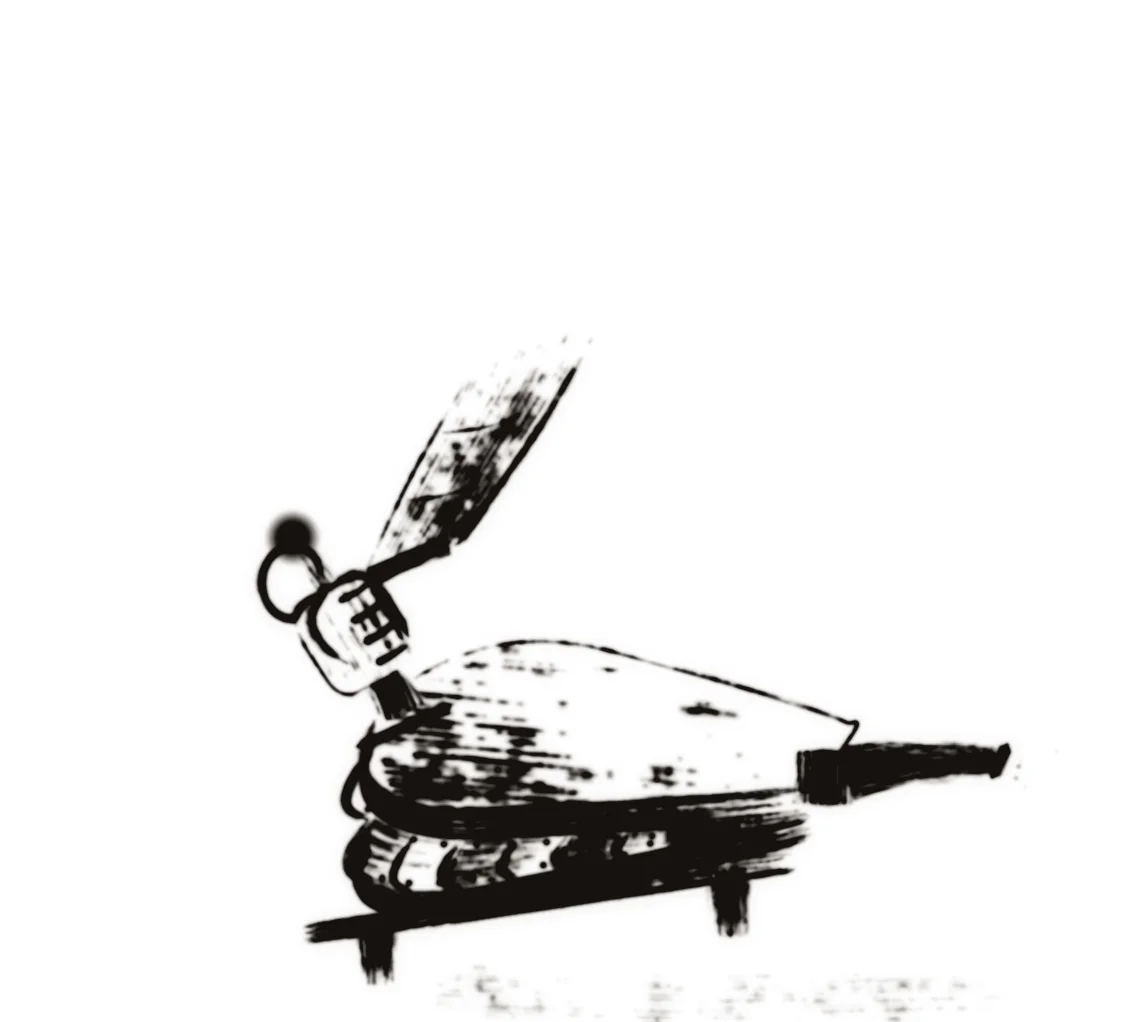
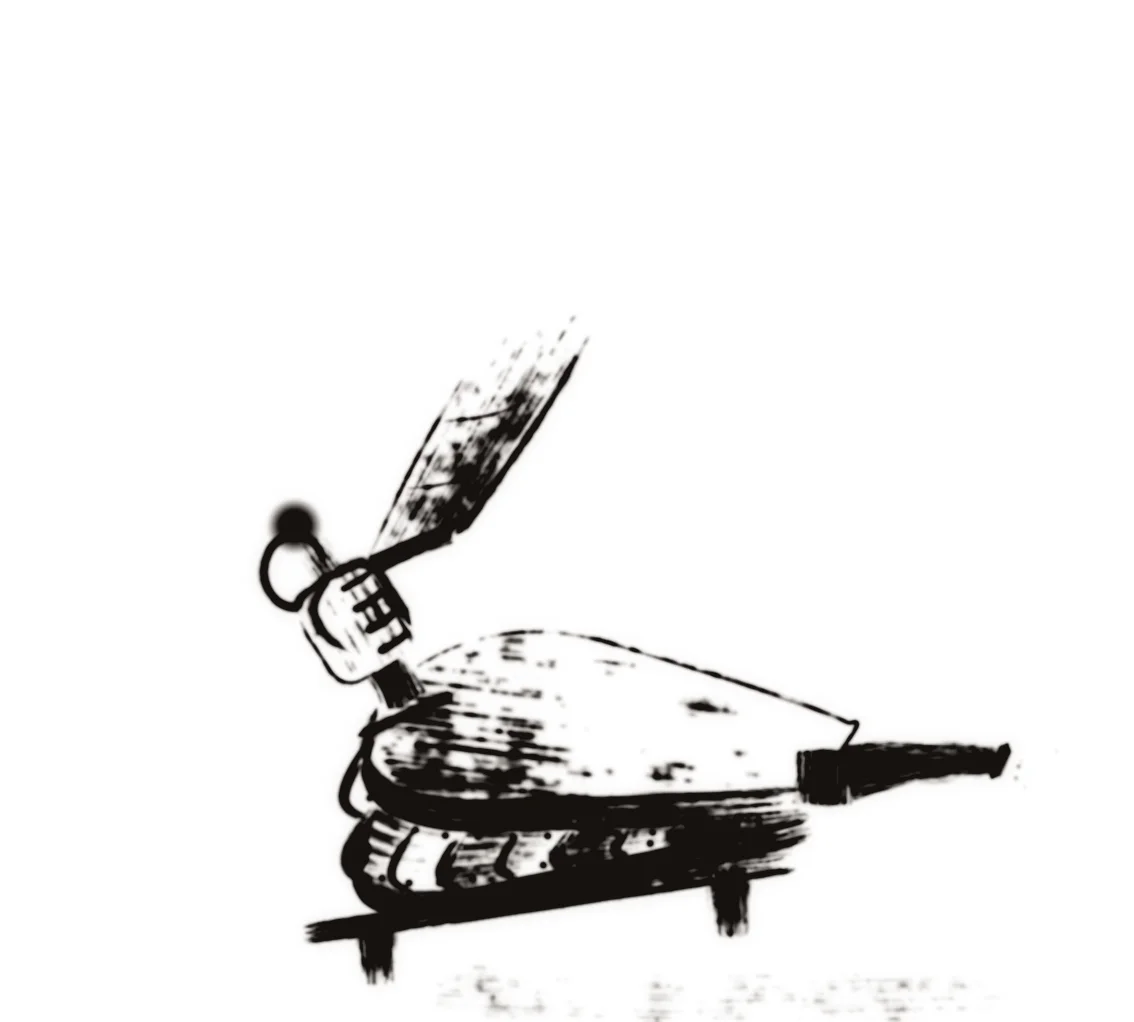
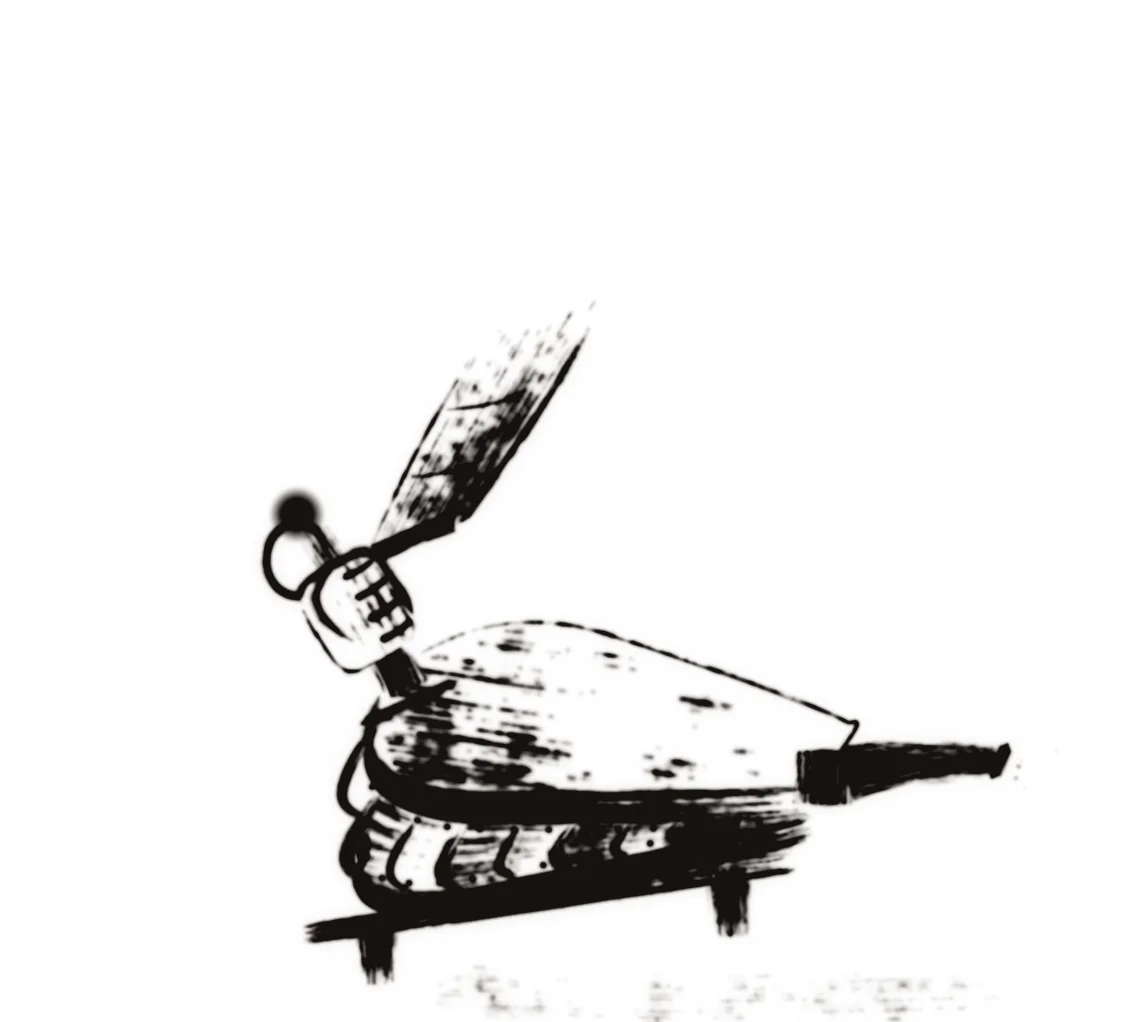
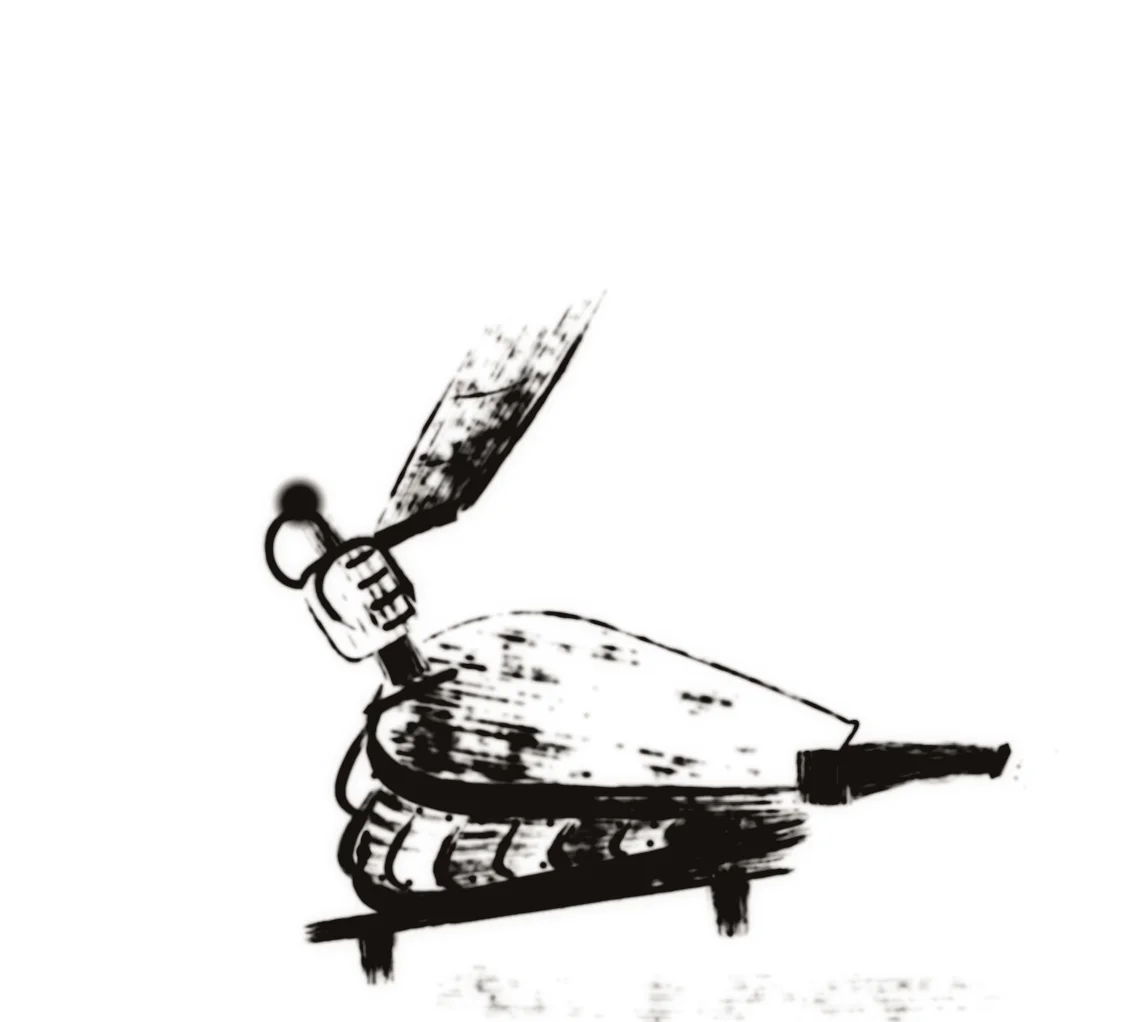
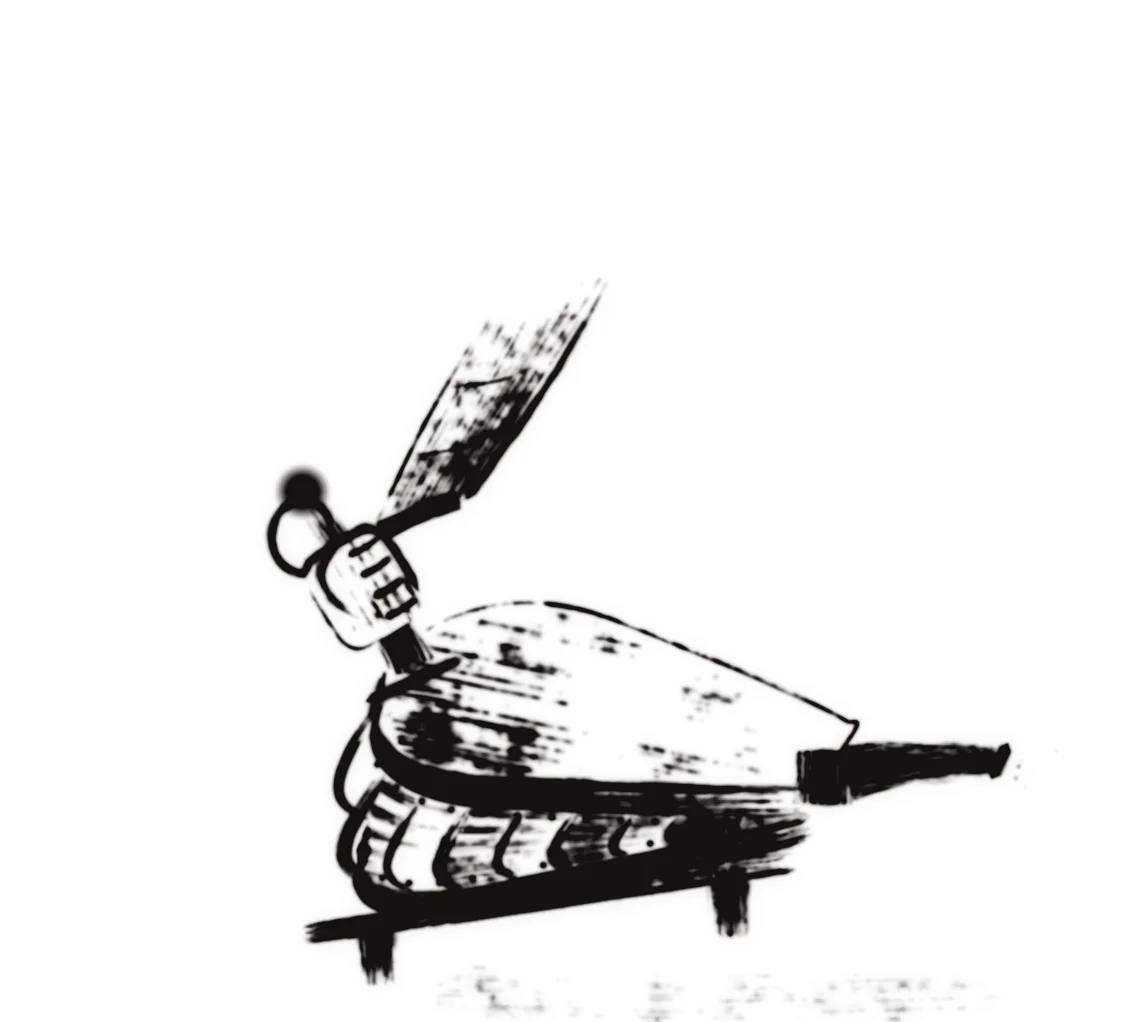
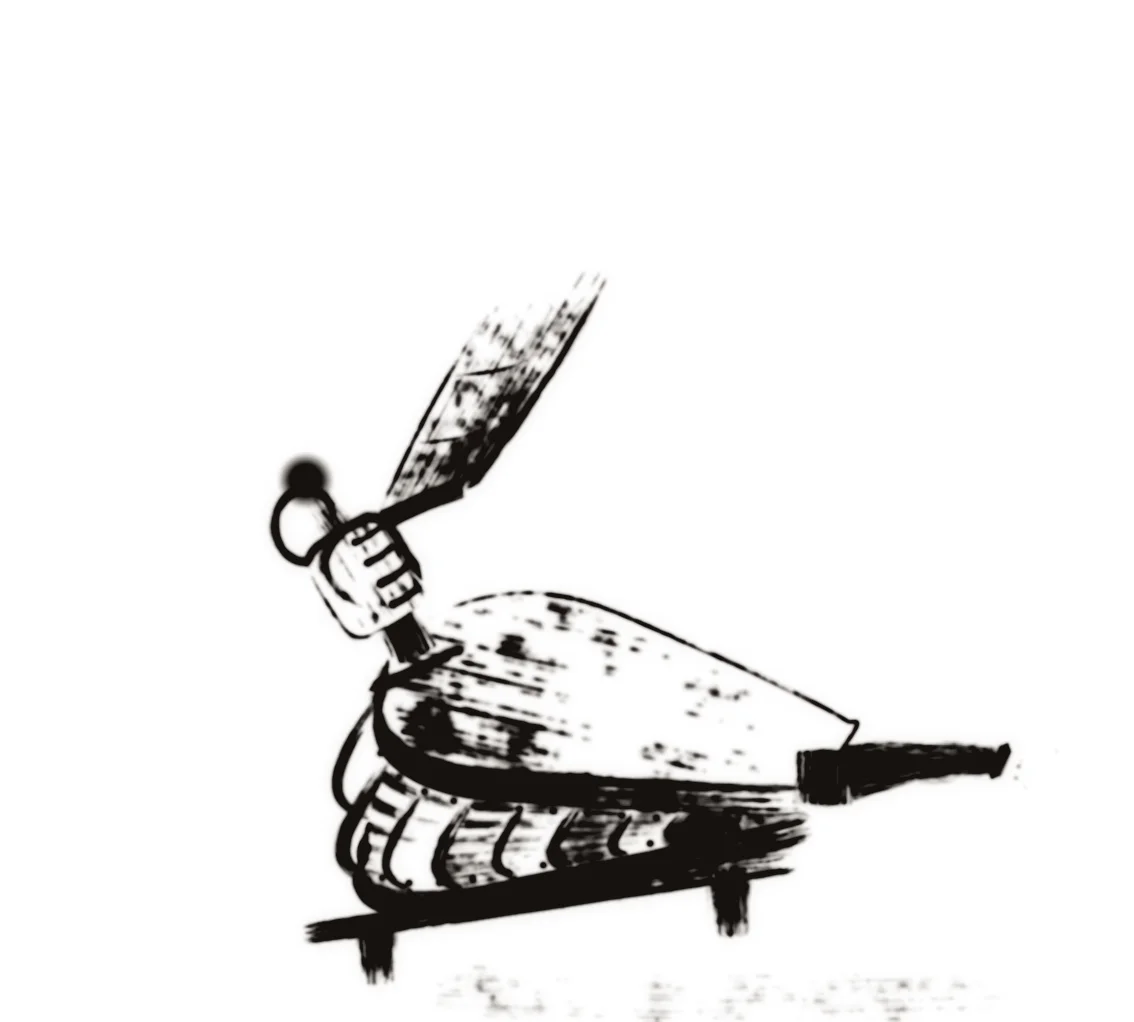
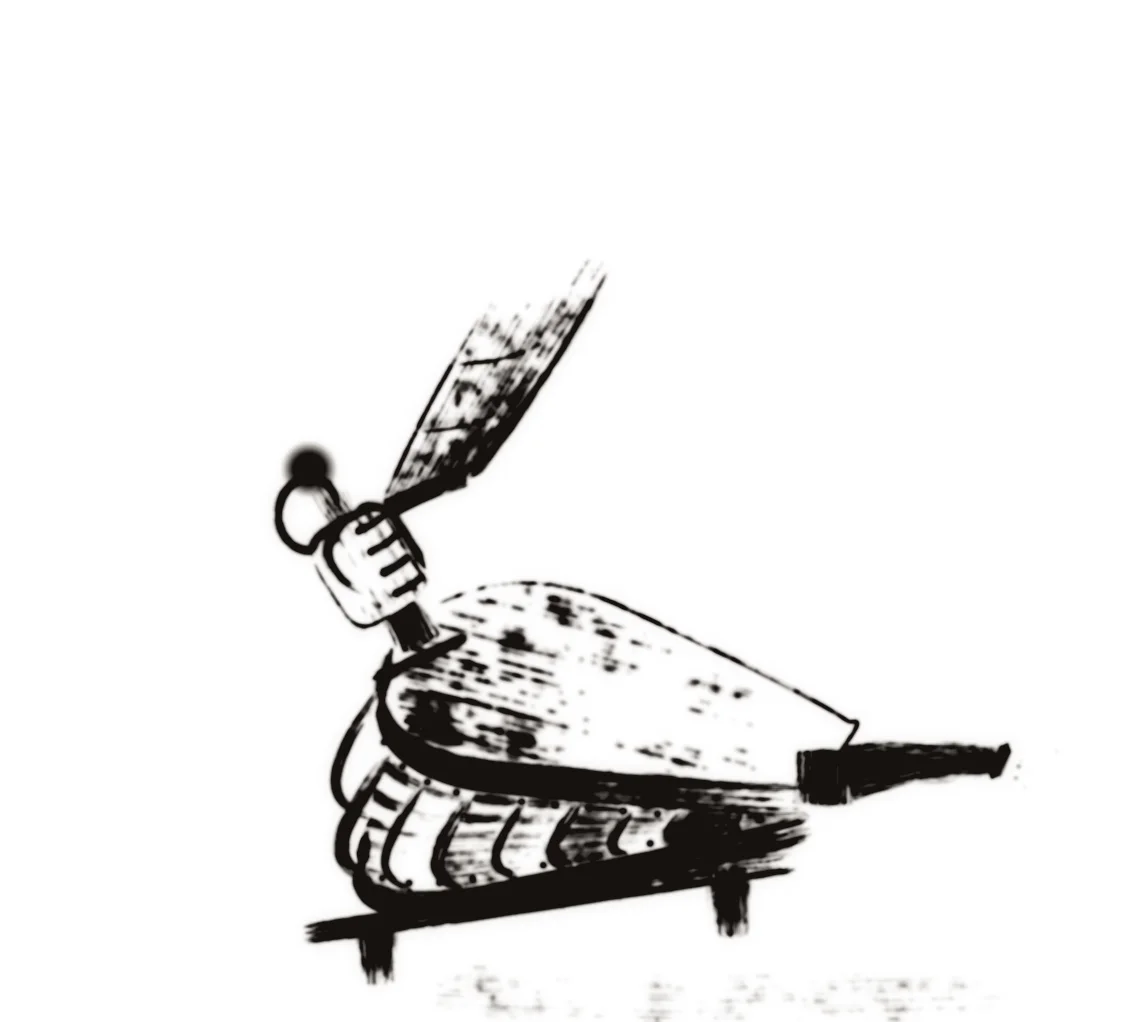
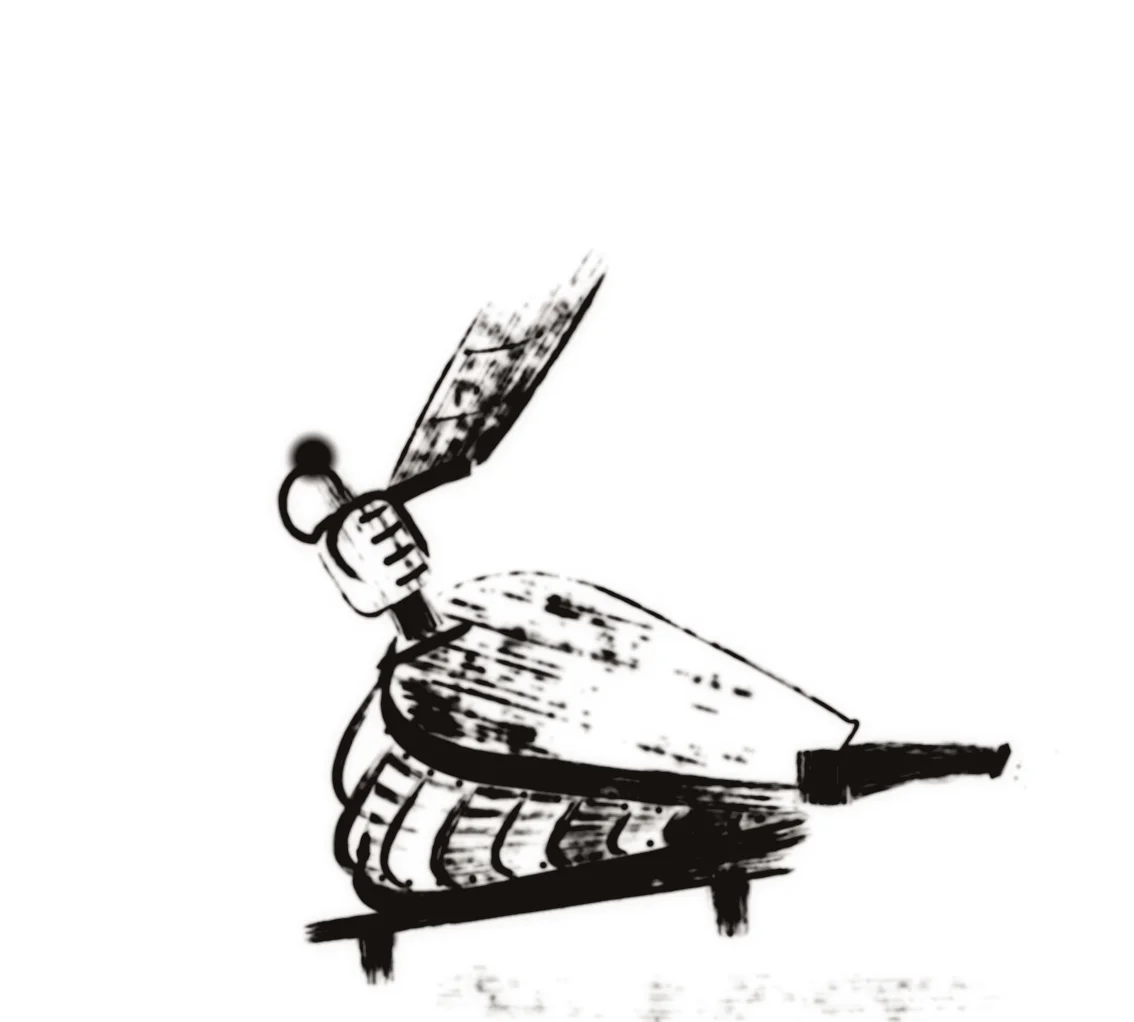
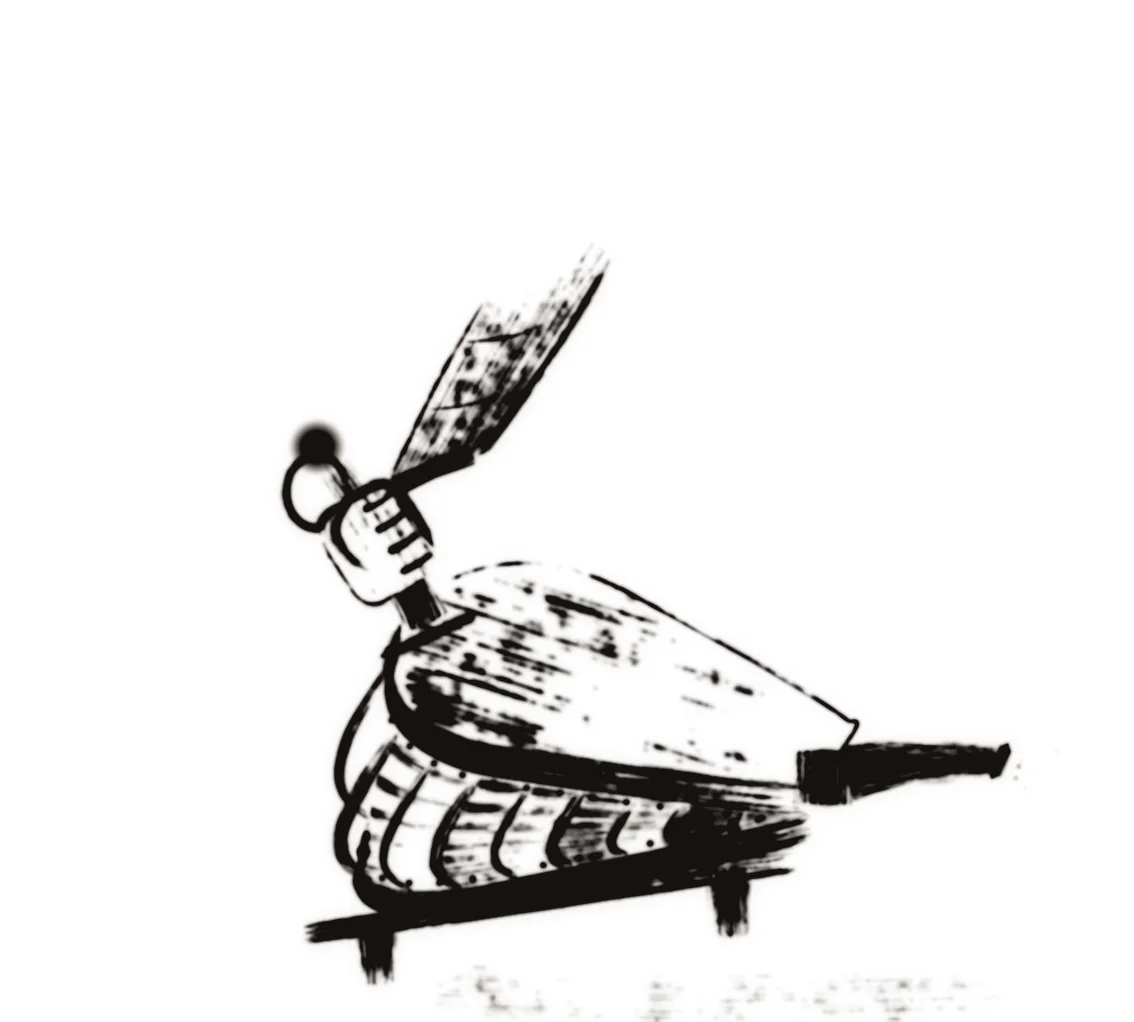
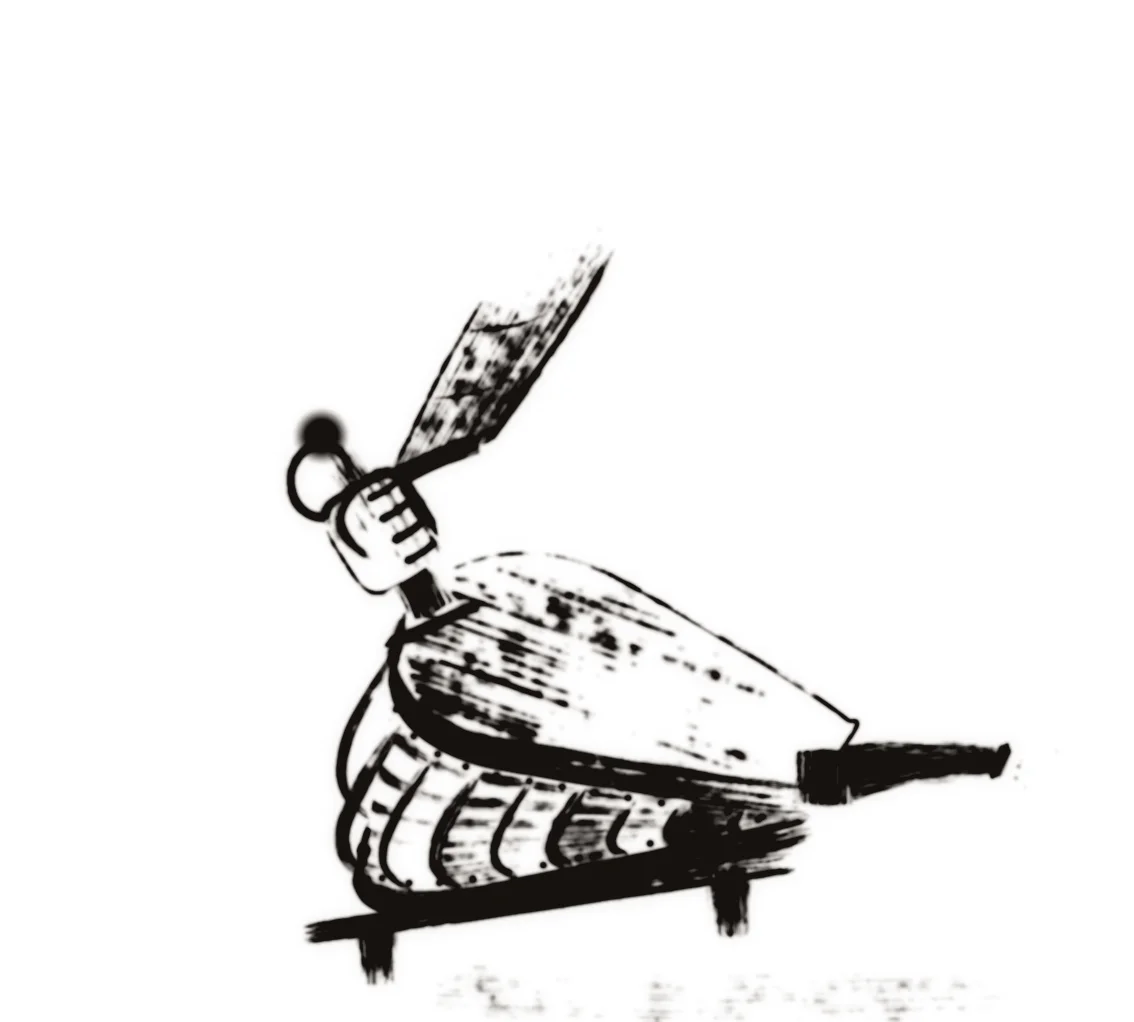
Pump the bellows and the fire grows
Press the bellows, hold it for a longer blast, or press the P key. The handle lifts and drops, the breath runs down the nozzle, the fire roars and embers fly, and everything settles when the air is gone.
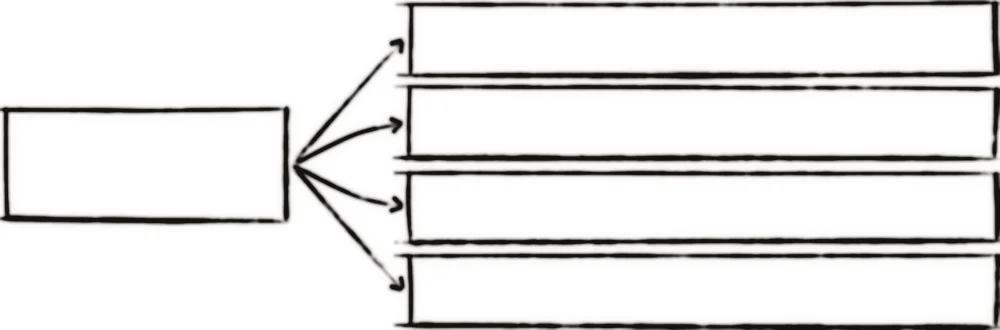
It is one button and one list of actions
Nothing on this page is code. A trigger, here a press, a click or the P key, is bound to a list of actions, and each action plays a clip from a label. The clips already know how to rest.
The trigger
Press or hold the bellows, click the button, or press P.
Play the bellows
goto-play bellows "pump"
Rush the breath
goto-play blast "pump"
Swell the fire
goto-play fire "pump"
Burst the embers
goto-play burst "go"
The fire is drawn by two clips, ink and glow, that play together, and the bellows has one more for the hot nozzle. Each box is a goto-play on the clip that draws that part.
Behaviors are data, not code
A behavior is a trigger bound to a list of actions. Triggers include click, press, release, hover, a long press, a swipe, a key and scrolling into view. Actions play and stop timelines, jump to a frame or a scene, show and hide objects, open links and play sounds. Buttons are symbols with up, over, down and hit states, and they are real buttons that a keyboard can reach.
Scripts are there when you want them
When behaviors are not enough, you write TypeScript. A script exports functions that behaviors call, and it gets an api for timelines, sound, shared state, keys, the pointer and creating new objects. This is a whole function that does what the button above does to the fire.
api.instance("fire").gotoAndPlay("pump");
api.instance("fire")
.gotoAndPlay("pump");